
Objects
Every kind of paper keeps the cover it has in life — board, card, folded sheet — and you leaf through it.
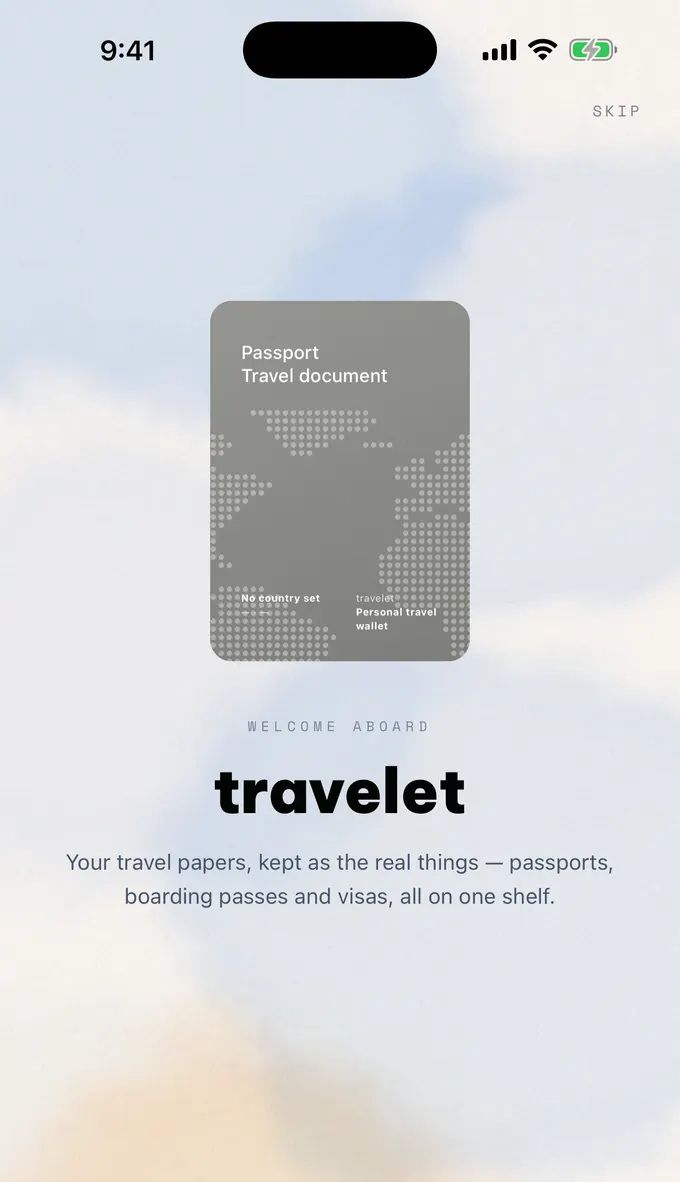
Keep your passports, boarding passes, visas and travel insurance on your iPhone, ready to show the moment someone asks — and your pass on the Lock Screen when it is time to board.
Pasaporte mexicano
Mexican passport
Mexico
MEX · Mexico City
travelet
Personal travel wallet
Pasaporte mexicano
Mexican passport
Mexico
MEX · Mexico City
travelet
Personal travel wallet
HME
Home
TRV
Anywhere
PASSENGER
All travelers
GATE
B7
GROUP
2
DOCS
3
REPUBLIC OF TRAVELET
VISA
Visa · Visum · Visto · Виза
Type · Type · Tipo
D
Entries · Entrées
Multiple
Category · Catégorie
Visas
Docs · Docum.
2
V<TVLVISAS<<<<<<<<<<<<<<<<<<<<
2DOCUMENTS<<TRAVELET<<<<<<<<<<<<
TRAVELET
MEDICAL COVER
POLICY RECORD
Treatment / Assistance / Repatriation
Date
Policy no.
Insurer
Name:
Country of cover:
Valid until:
Emergency no.:
CONTENTS
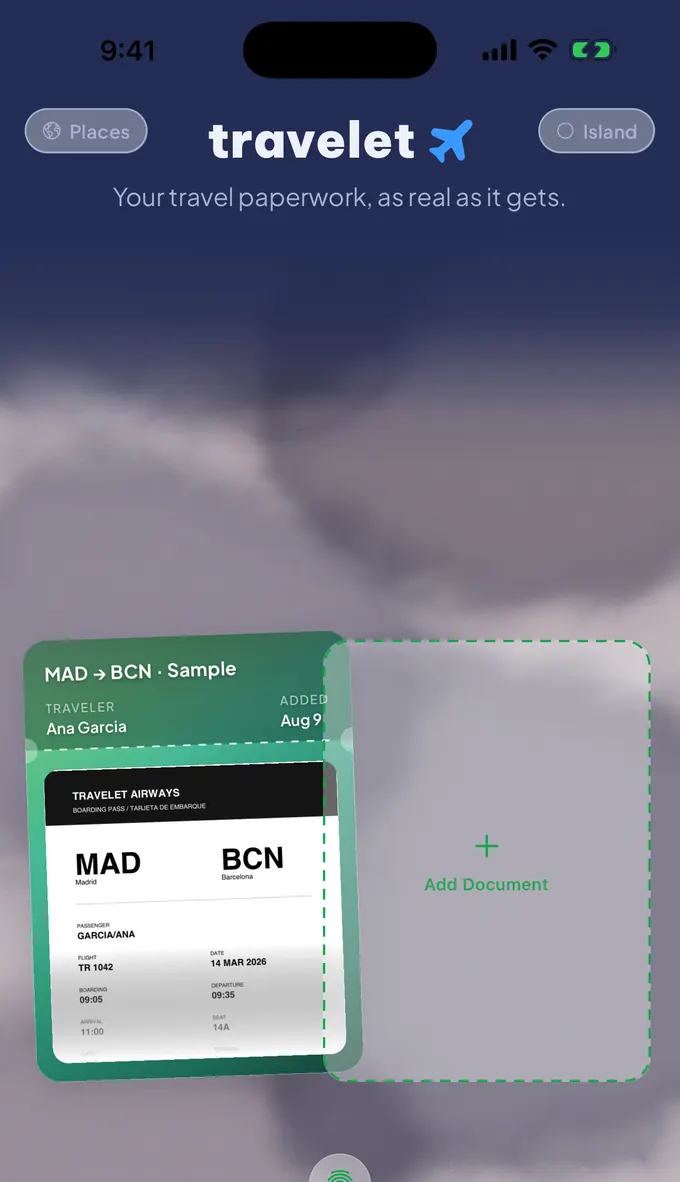
It is not a folder with a nicer icon. The paperwork is read, cropped, named and pressed into objects you open — and the one thing you have to produce at a gate sits on the outside of the phone.
Every kind of paper keeps the cover it has in life — board, card, folded sheet — and you leaf through it.
Add a boarding pass and it reads itself: the code cut out of the PDF, the route and the name lifted off the page.
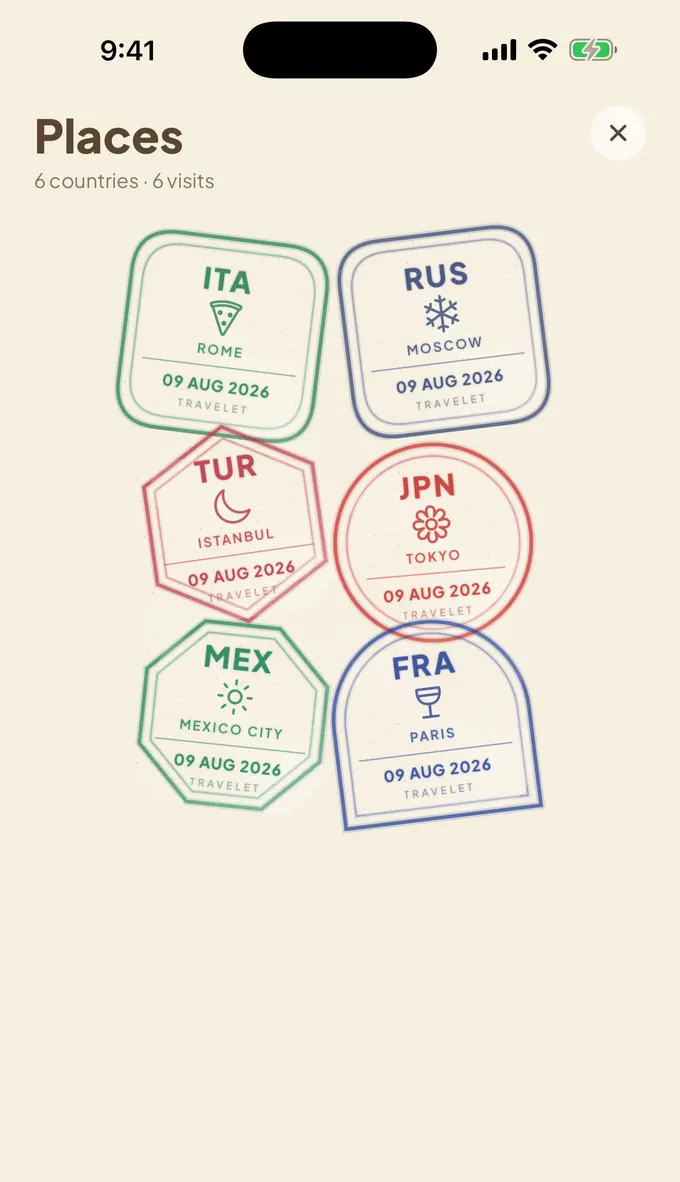
The countries you have been, pressed onto a page of their own. Fifty inks, and not one a copy of a real stamp.
Your pass on the Dynamic Island and the Lock Screen, at a size a scanner can read. The arrows walk through every document you have, and a tap opens the one you are looking at.
Keep every passport and ID you travel with scanned on your phone, and turn straight to the page someone has asked for.
Add a boarding pass and it names itself after the journey, fills in your flight, gate and seat, and reminds you the day before and again before boarding.
Carry every visa and entry permit with you and read it page by page, wherever you have landed.
Have your policy number and insurance card ready to show at a hospital or pharmacy desk in any country.
Write down what you are carrying while you still have time to think, and open the form when you reach the counter.
Make a folder for whatever else a trip needs, from hotel bookings to car hire to a vaccination record.
Add one and travelet pulls the flight number, gate, seat and times out of the PDF itself — Spanish, Italian, French, German, English — and puts them on the card.
Then it offers to remind you: the day before, three hours before boarding, and once more before the gate closes. Scheduled by your phone, delivered by your phone.
Tomorrow: LON → BER
TR 0988 boards at 08:35 AM. Seat 7C.
LON → BER — 3 hours to boarding
Time to leave for the airport.
Boarding soon: LON → BER
TR 0988 · gate 4 · seat 7C
travelet has no account, no analytics, no advertising, and makes no network connections of any kind. Documents you add are copied into the app's own storage and never sent anywhere. Nobody — including us — can see what you keep in it.
Reading a boarding pass happens in the app, on the device. Reminders are scheduled by iOS, on the device. Deleting the app deletes everything it held.